Take a break. Learn a word.
Coffee Recite is a break reminder that lives in your Mac’s menu bar. When it’s time to rest, it shows you a vocabulary flashcard — tap to hear it pronounced — so every coffee break becomes a tiny language lesson.
Free on the Mac App Store · 7-day Pro trial included
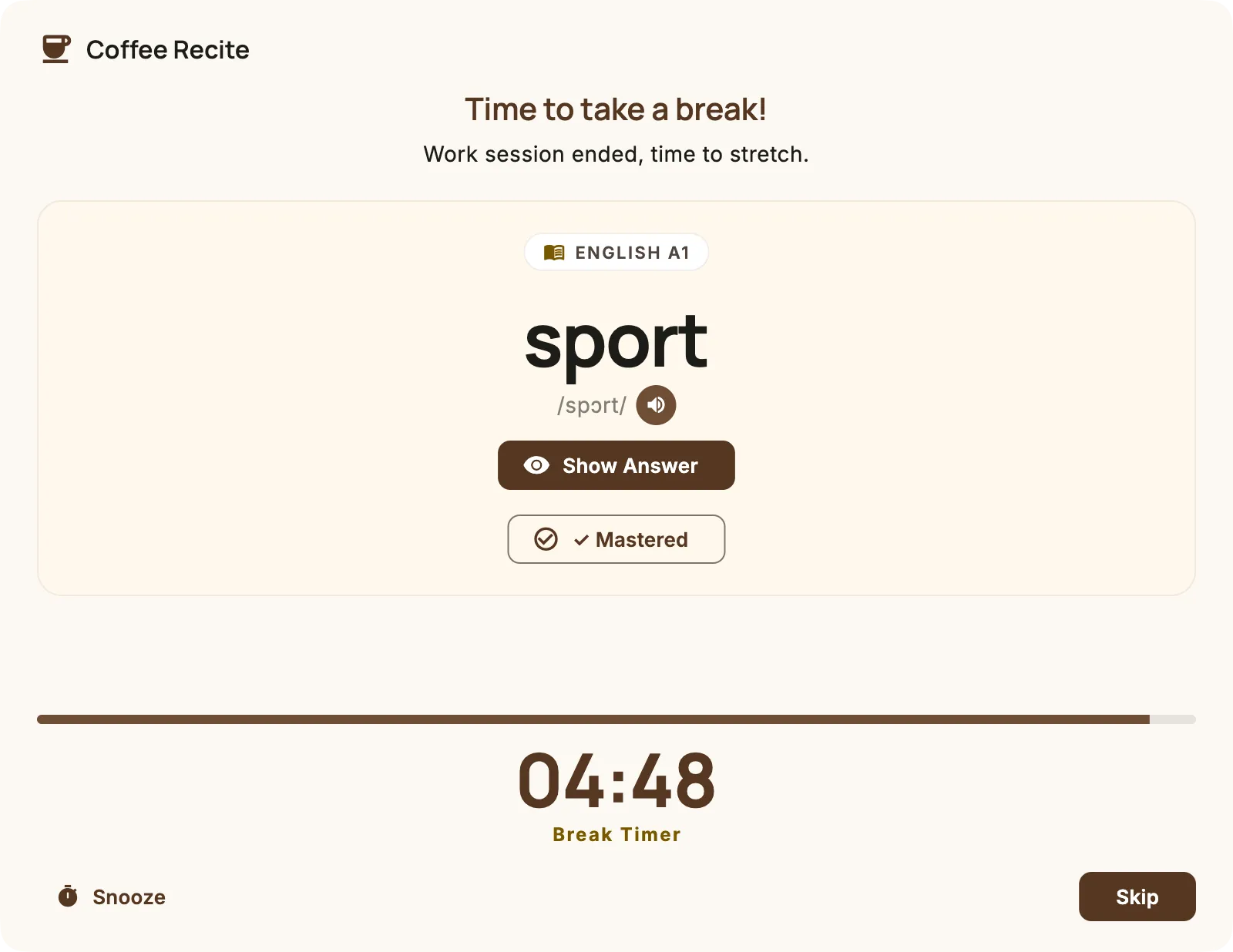
A gentler way to rest — and to learn
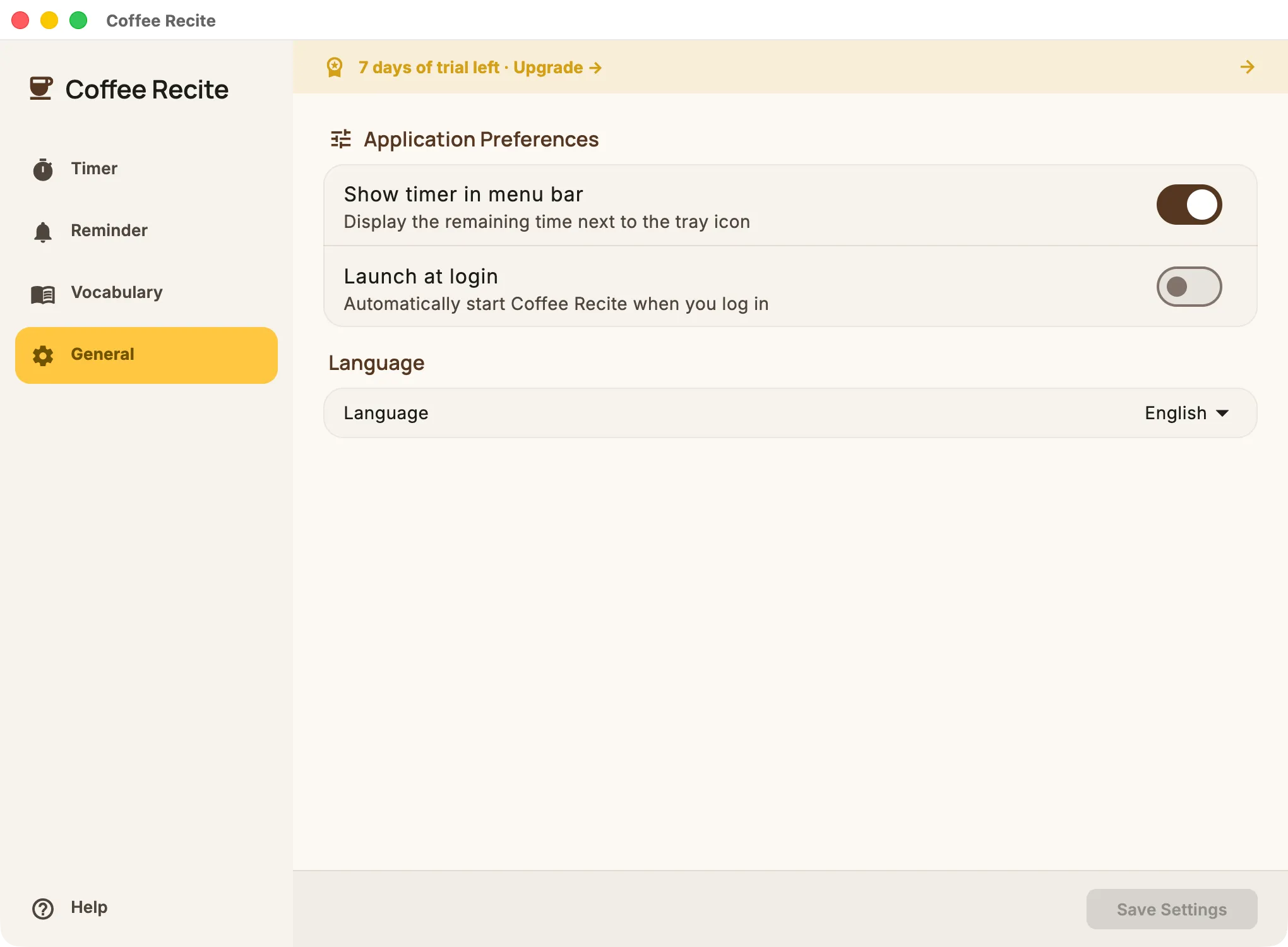
A break reminder that adapts to you
Set your work and break rhythm once. Coffee Recite lives quietly in the menu bar with a live countdown, launches automatically at login, and pauses itself the moment you step away from your keyboard.
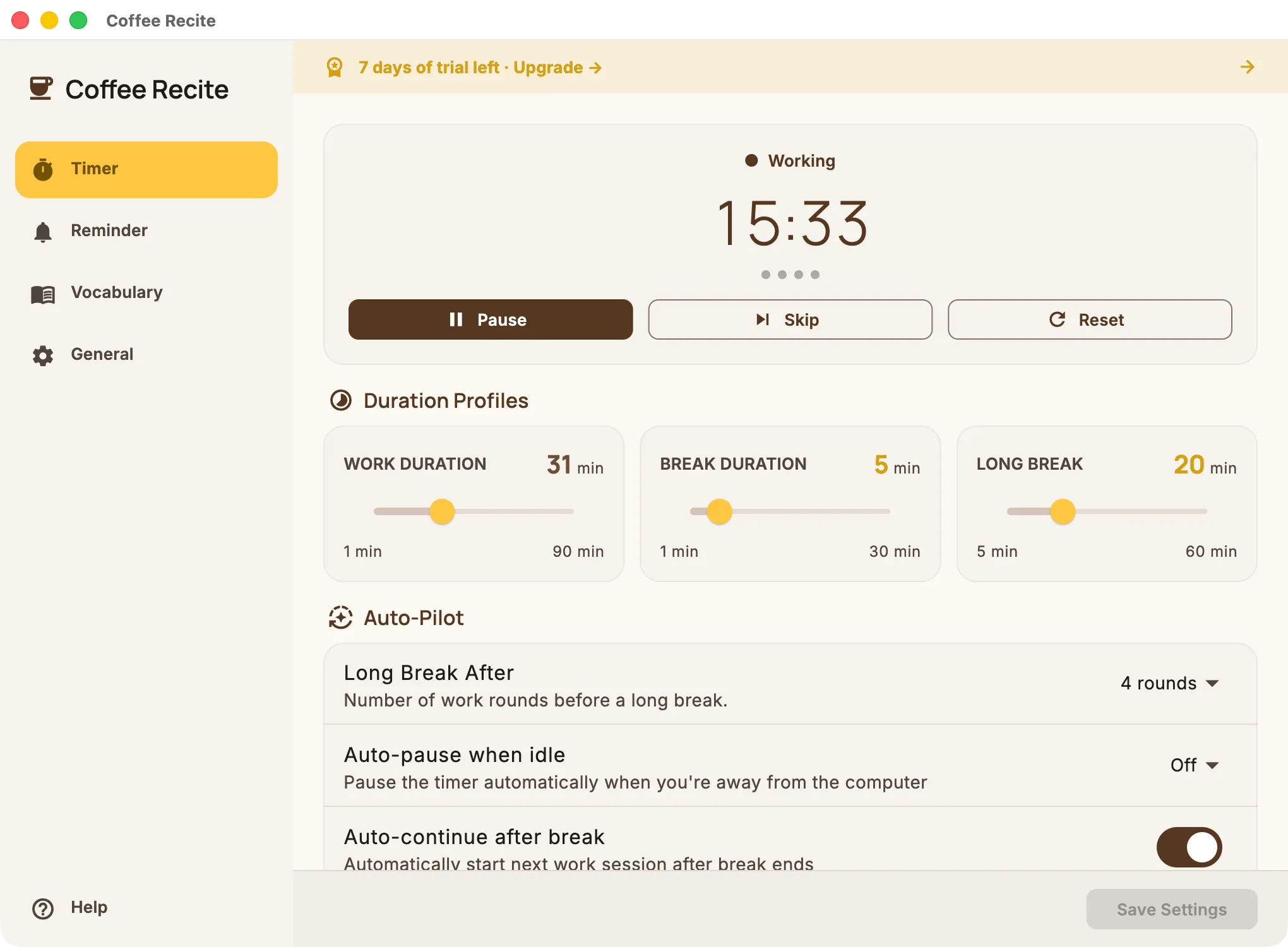
Pomodoro rounds and long breaks, done right
After a few work rounds, Coffee Recite automatically gives you a longer break to properly recharge. Need five more minutes mid-task? Snooze a reminder right from the popup, no settings required.
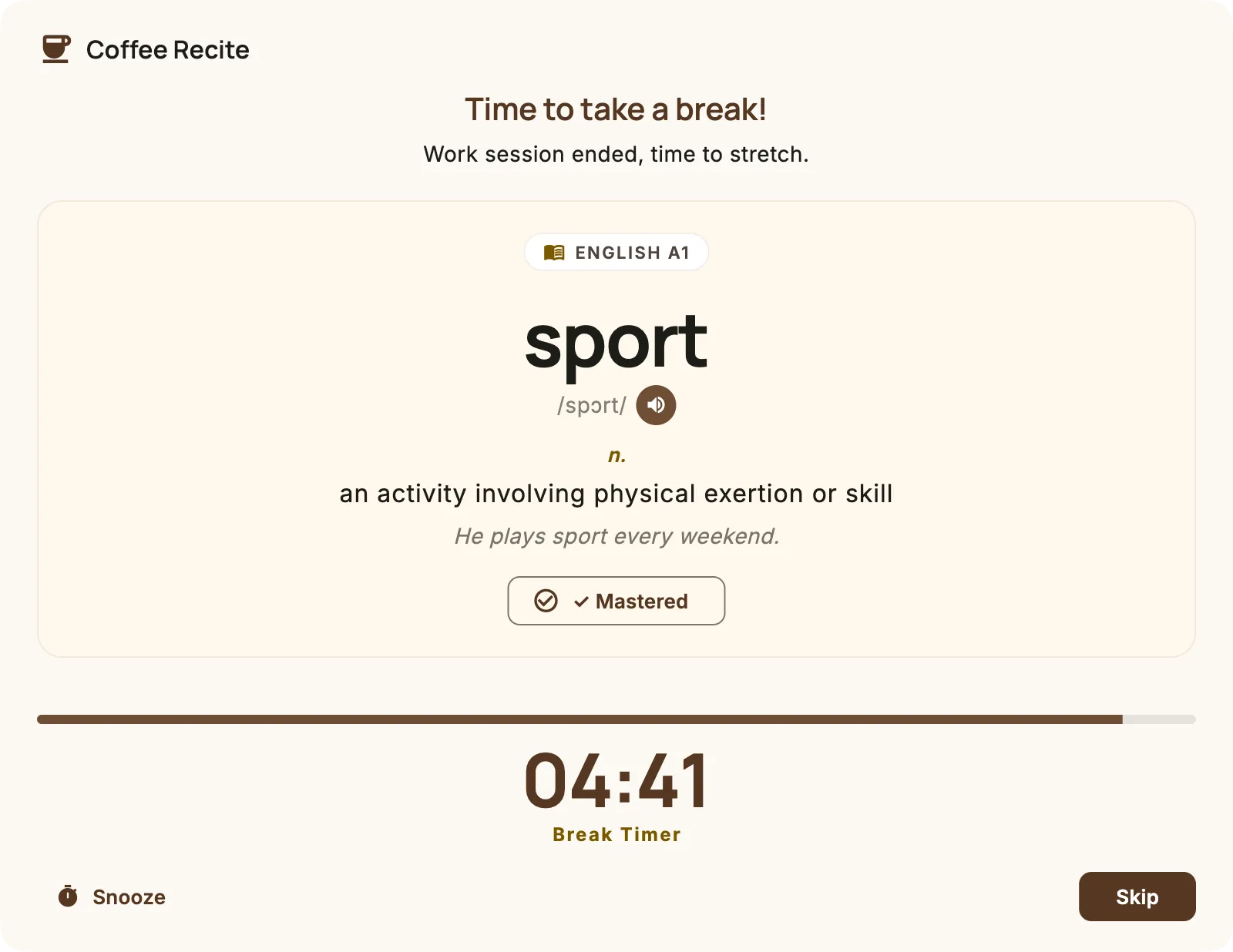
Flashcards that test you, then teach you
Flip-card mode hides the answer until you’re ready to check yourself, and a tap on the speaker icon reads any word aloud. Word, reading, definition, and an example sentence, every single break.
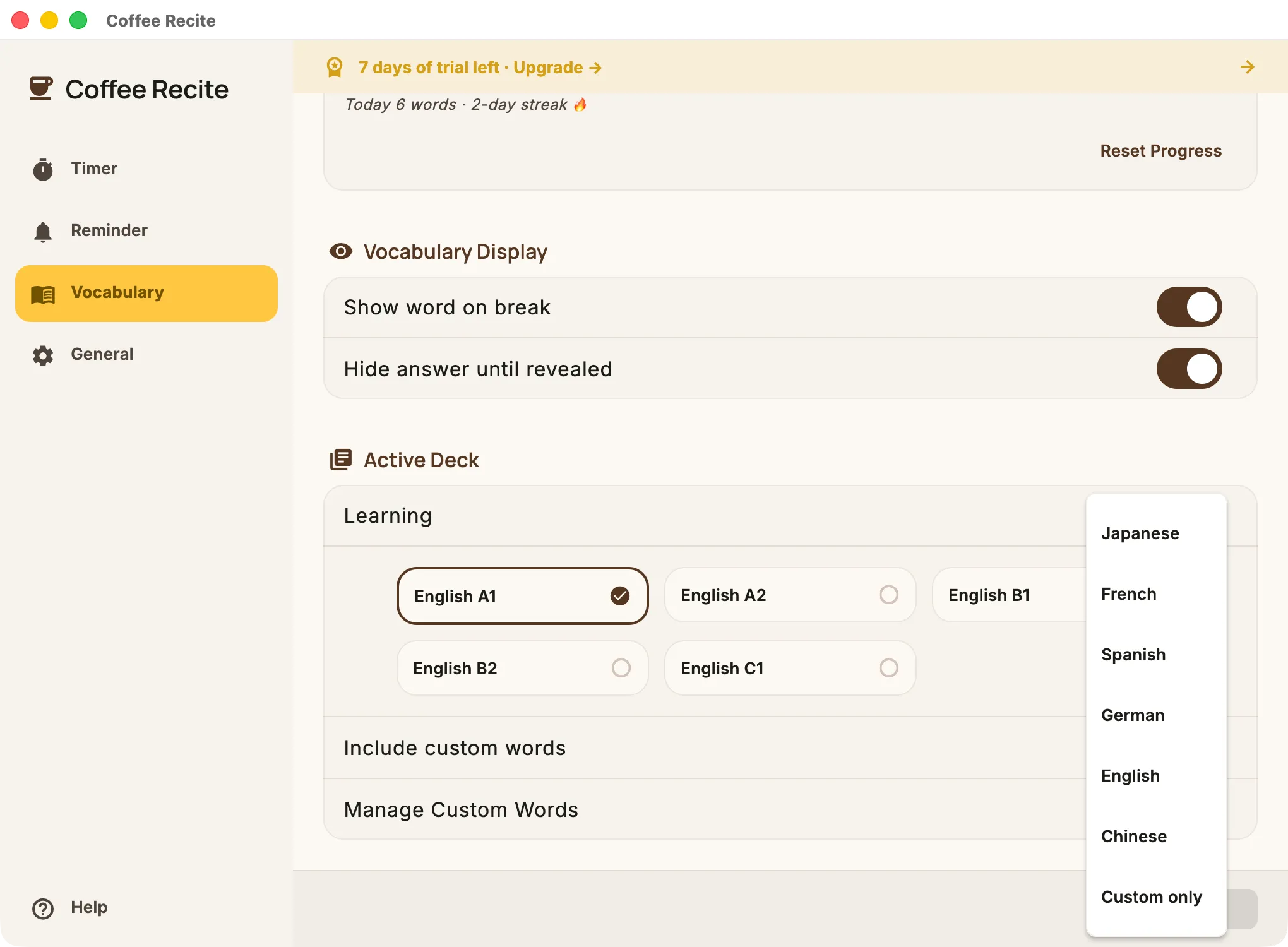
29 decks, six languages, real CEFR levels
Chinese HSK 1–4, Japanese JLPT N5–N1, and French, Spanish, German and English graded A1 through C1. Over 23,500 words in total, with romanization and example sentences included.
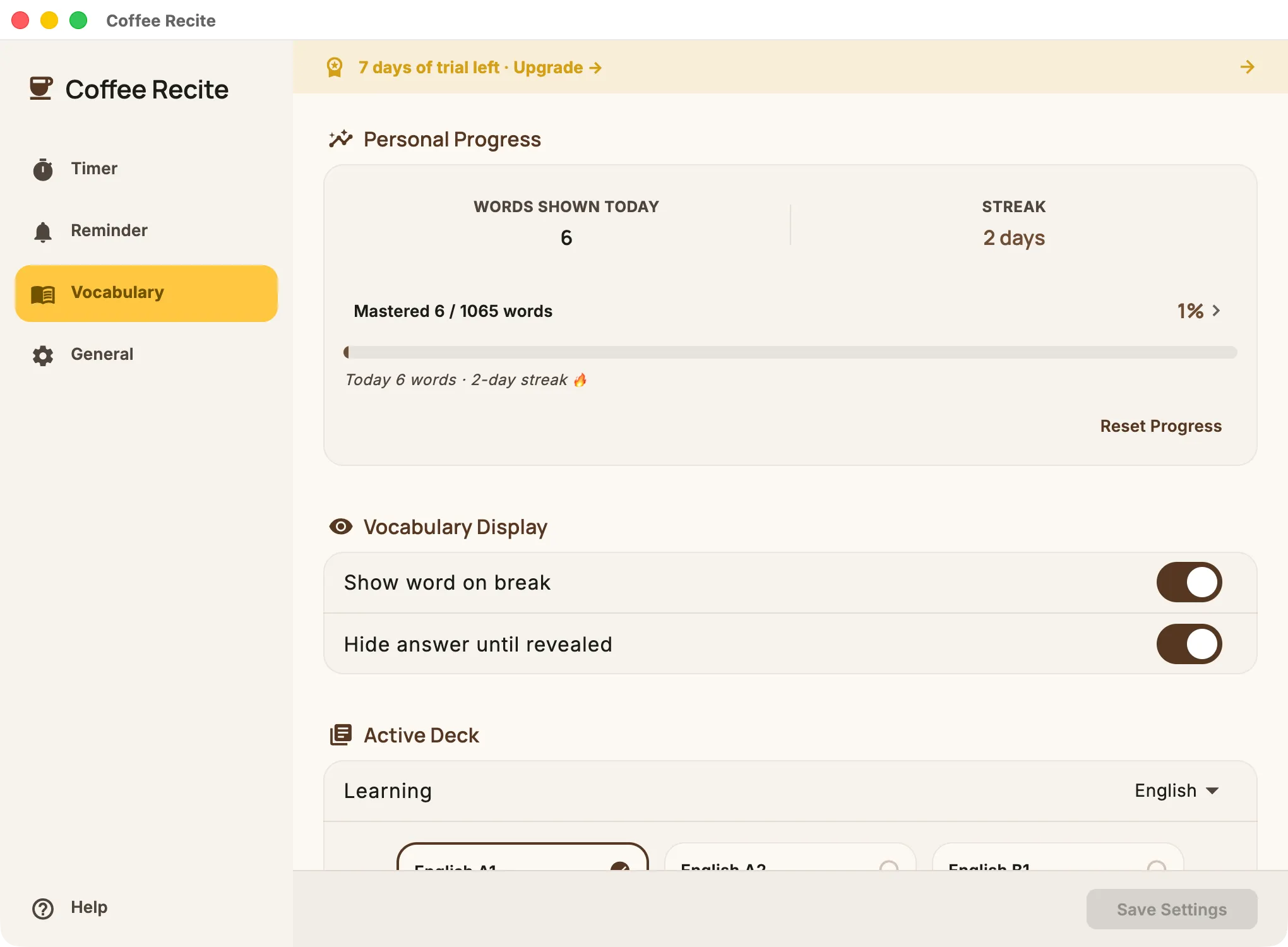
Daily stats keep you consistent
See how many words you reviewed today and track your streak day by day. Smart review prioritizes words you haven’t seen in a while, and occasionally resurfaces ones you’ve already mastered so they stick.
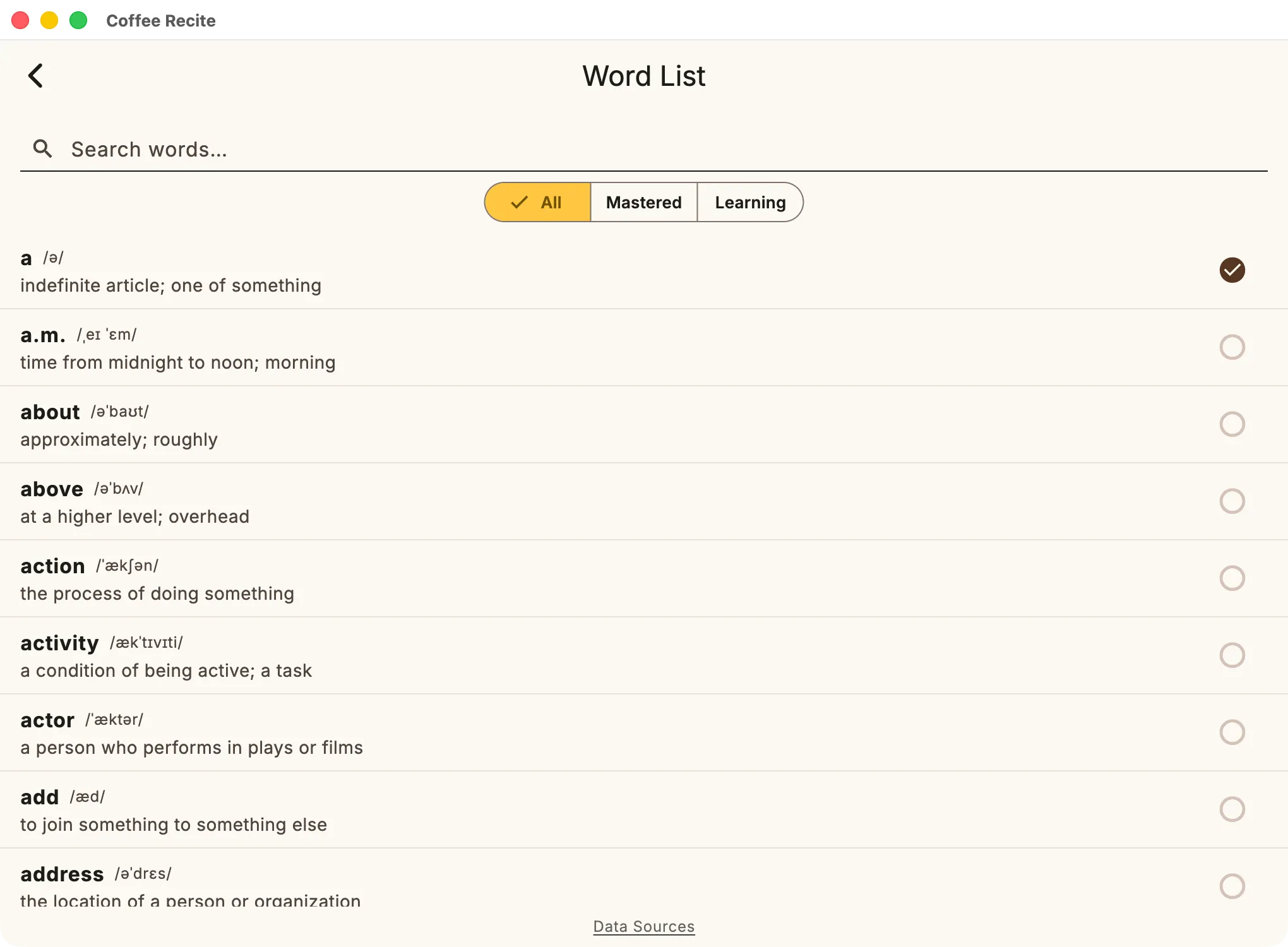
Every word, one tap away
Tap any progress stat to open your full word list. Search by spelling, filter by mastered or still learning, and toggle mastery on any entry without waiting for a break.
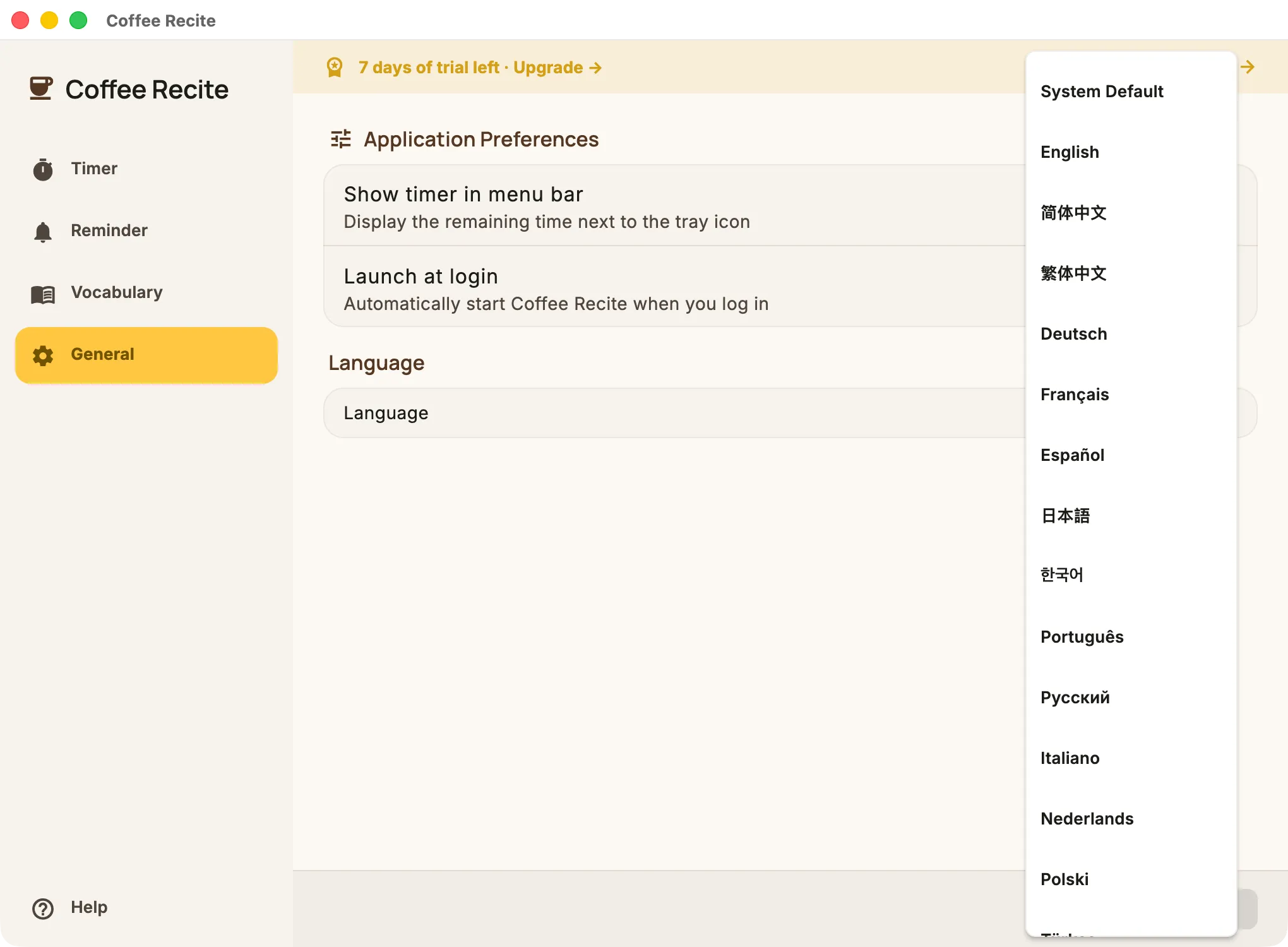
Speaks your language
The interface is available in 24 languages — from English and Chinese to Japanese, German, Portuguese, Ukrainian and Hindi. Vocabulary decks now cover 6 learning languages with full CEFR grading for French, Spanish, German and English, and you can always add your own.
Simple pricing
Start free. Try everything for 7 days. Keep what works for you.
Free
$0
- Unlimited break timer & reminders
- Long breaks, snooze, and idle-aware auto-pause
- A1 starter deck for every language (HSK 1, JLPT N5, French/Spanish/German/English A1)
- Daily stats & streak tracking
- All 24 interface languages
Pro
7-day free trial$4.99
/month
$39.99
/year
$59.99
once
- All 29 vocabulary decks (HSK 1–4, JLPT N5–N1, CEFR A1–C1 for French/Spanish/German/English)
- Custom words & decks
- Everything in Free

Or buy directly for macOS:
Frequently asked questions
Is my data private?
Completely. Coffee Recite has no accounts, no analytics and no tracking. All settings and vocabulary progress are stored locally on your Mac, and purchases are handled entirely by Apple.
Does it work offline?
Yes. All vocabulary decks ship with the app, so the timer and flashcards work without any internet connection.
Which languages can I learn?
Chinese (HSK 1–4), Japanese (JLPT N5–N1), and French, Spanish, German and English — each graded from CEFR A1 to C1. You can also create custom decks with your own words in any language.
What’s free and what’s Pro?
The break timer, long breaks, snooze, and daily stats are free forever, along with an A1 starter deck for every language. Pro unlocks all 29 decks and custom vocabulary management. Every new install includes a 7-day trial with everything unlocked.
Can Coffee Recite pause itself when I step away?
Yes. Turn on auto-pause in Time Settings and Coffee Recite pauses the timer automatically when you’re away from your computer, then resumes when you’re back — or leave it off and control it manually.
Does Coffee Recite read words out loud?
Yes — tap the speaker icon on any flashcard to hear the word pronounced using your Mac’s built-in text-to-speech.
How do I cancel my subscription?
Subscriptions are managed by Apple. Open System Settings → Apple ID → Subscriptions (or the App Store app) and cancel anytime — at least 24 hours before renewal to avoid the next charge.